Fast setup
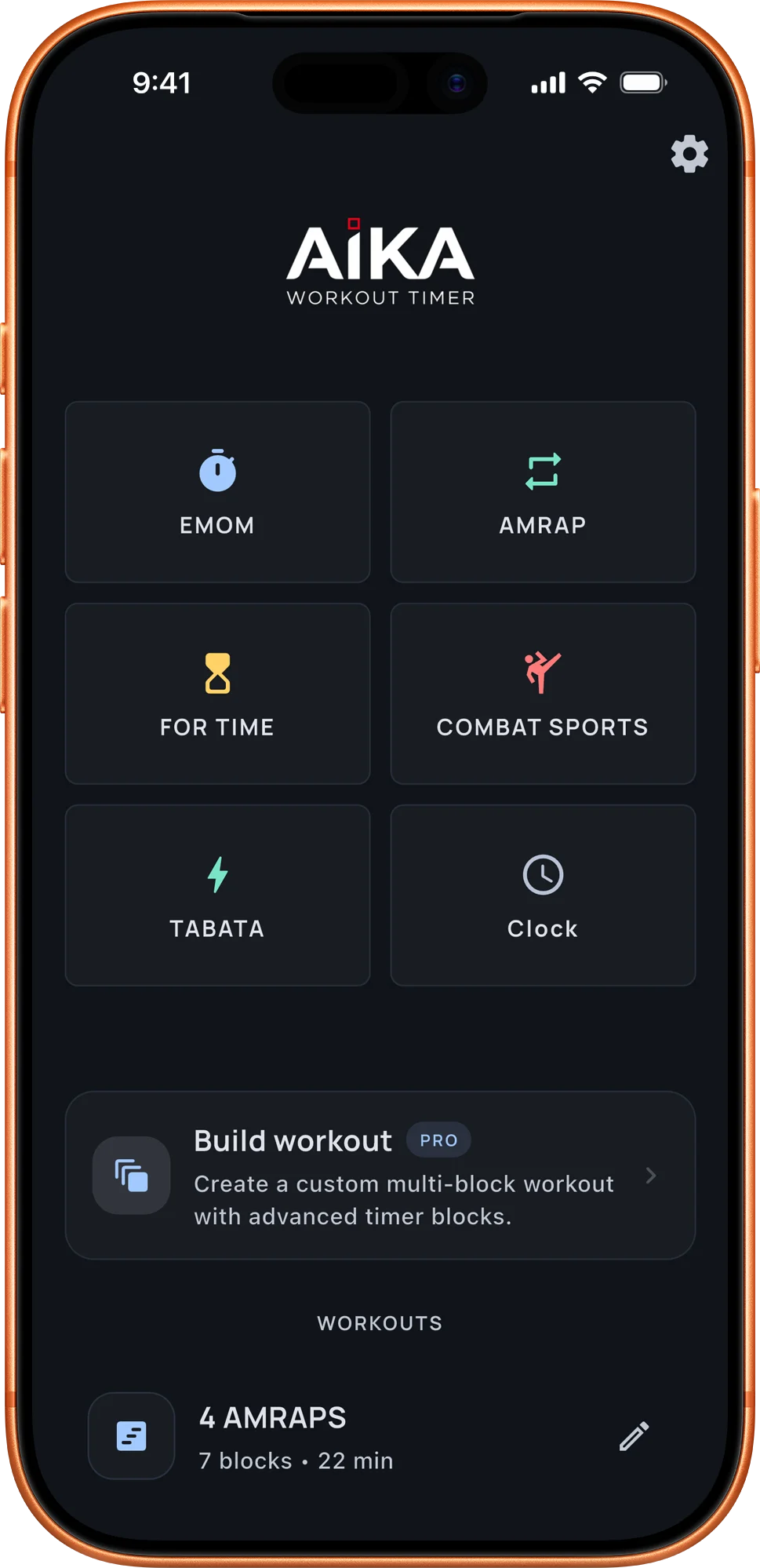
Start from built-in timers, recent sessions, or saved favorites when you do not want to rebuild the same workout again.
Workout timer for focused training
Build clear interval timers, save your favorite workouts, and follow every round without losing focus.


Free core timers · 7-day Pro trial
Why Aika
Start from built-in timers, recent sessions, or saved favorites when you do not want to rebuild the same workout again.
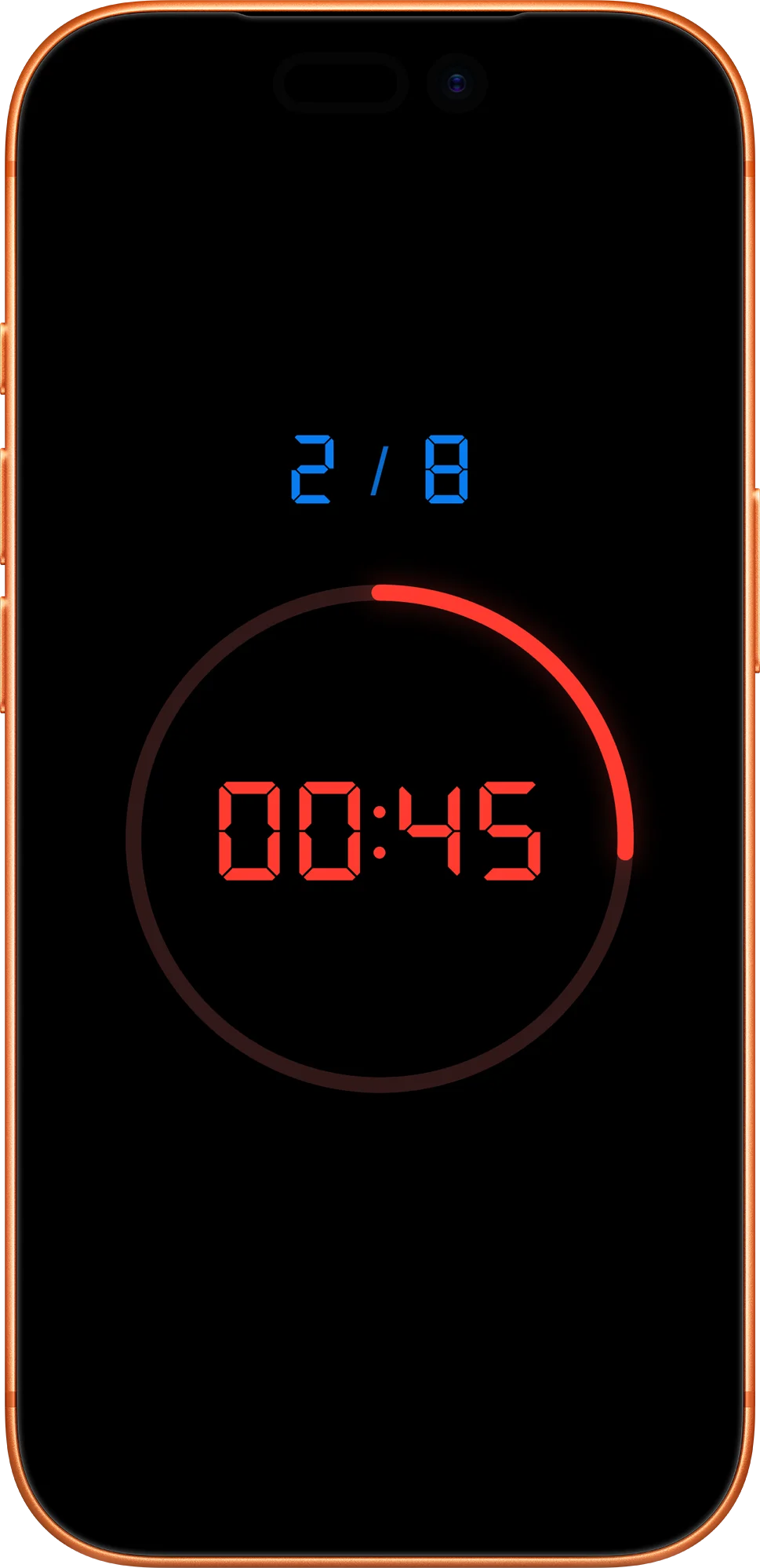
Large portrait and landscape timer views keep rounds, work, rest, and next-up cues easy to read while you train.
Save custom workouts, review your history and notes, then run proven sessions again with less friction.
01 / 06
Keep your most-used timers close, repeat proven sessions, and get moving without rebuilding the same setup every time.
02 / 06
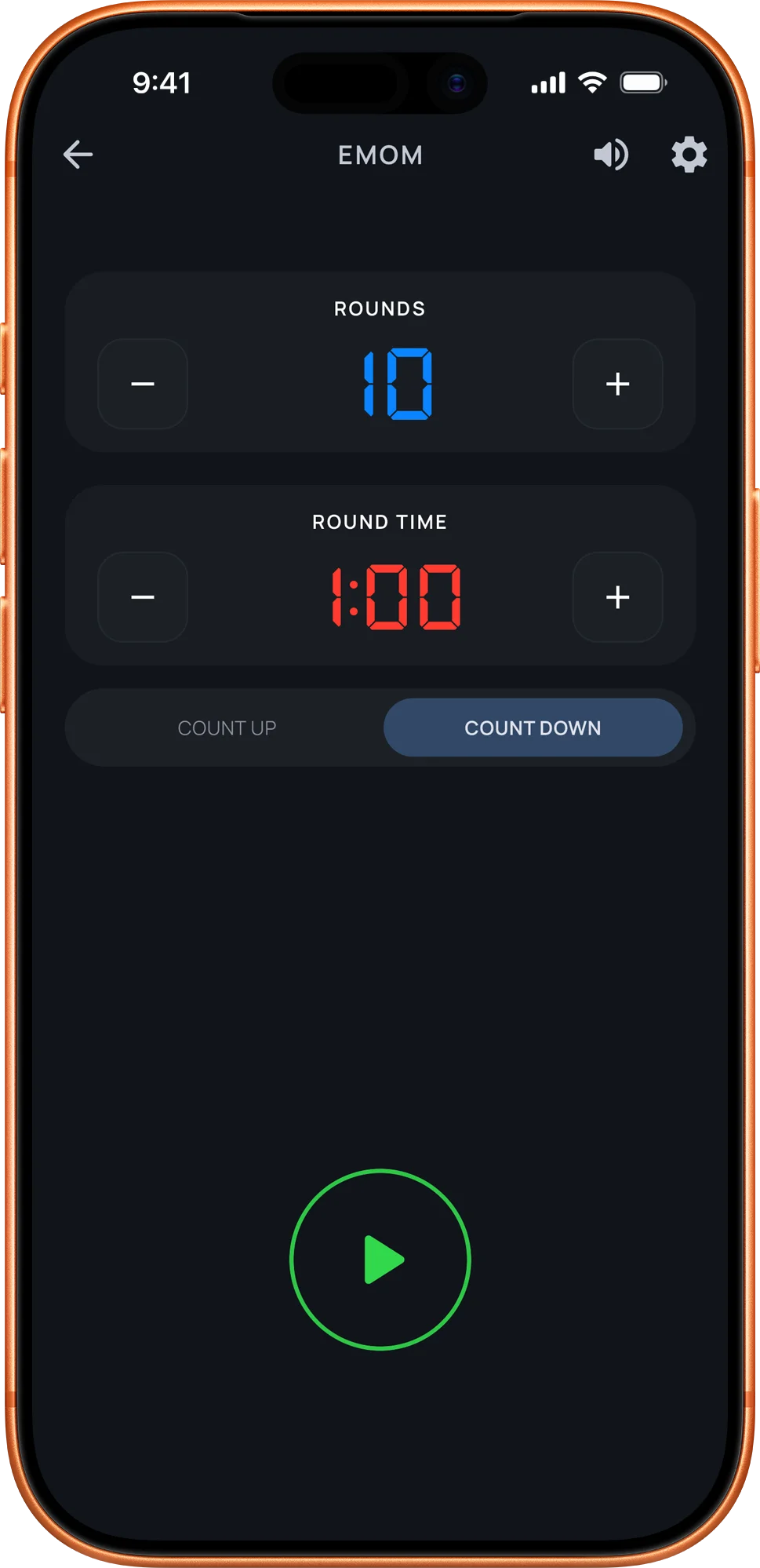
Build EMOM, Tabata, AMRAP, fight rounds, countdowns, and custom interval timers with the details that matter in training.
03 / 06
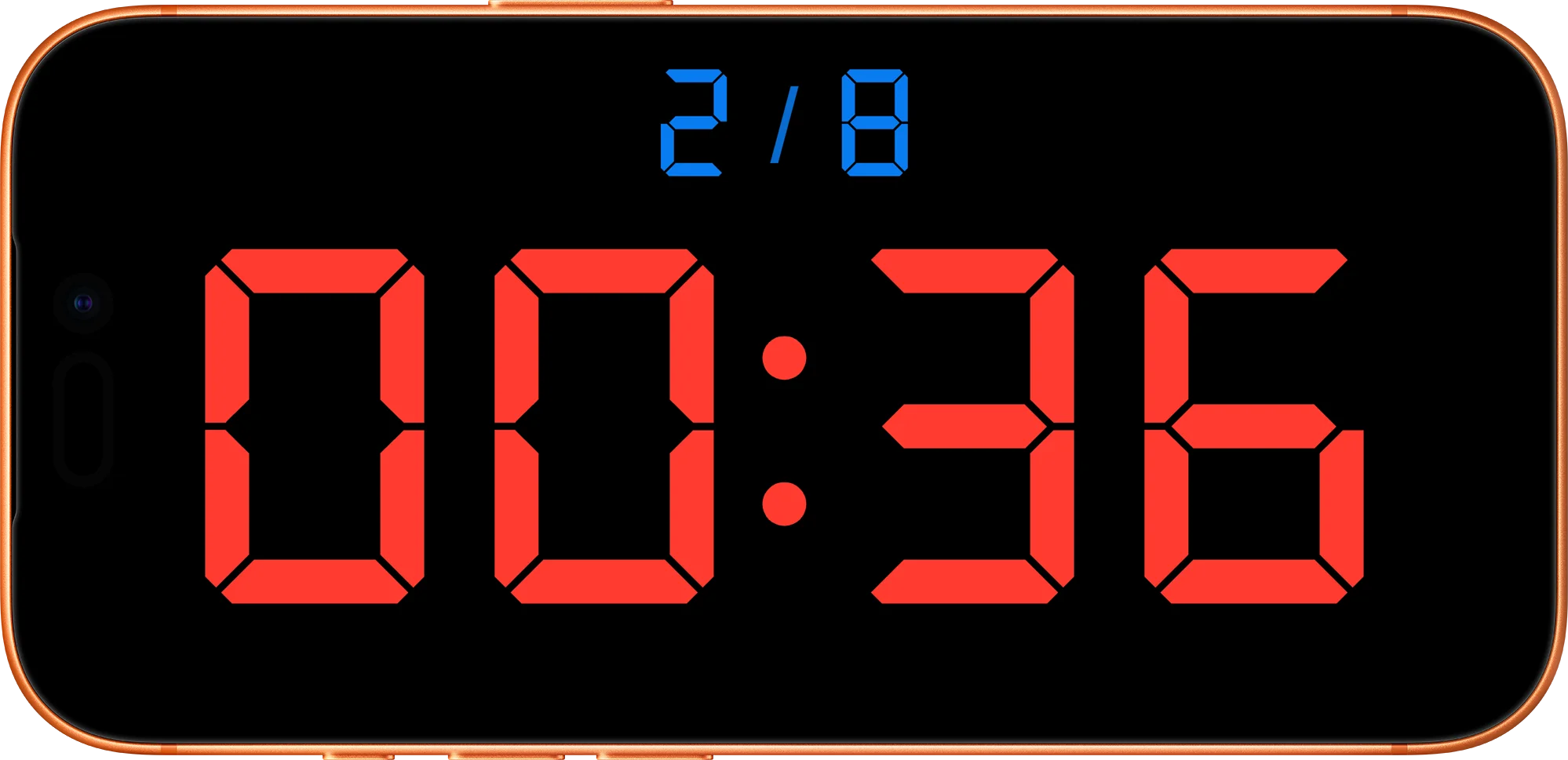
Switch to a bold landscape display when the phone is across the room, on the floor, or mounted beside your training space.
04 / 06
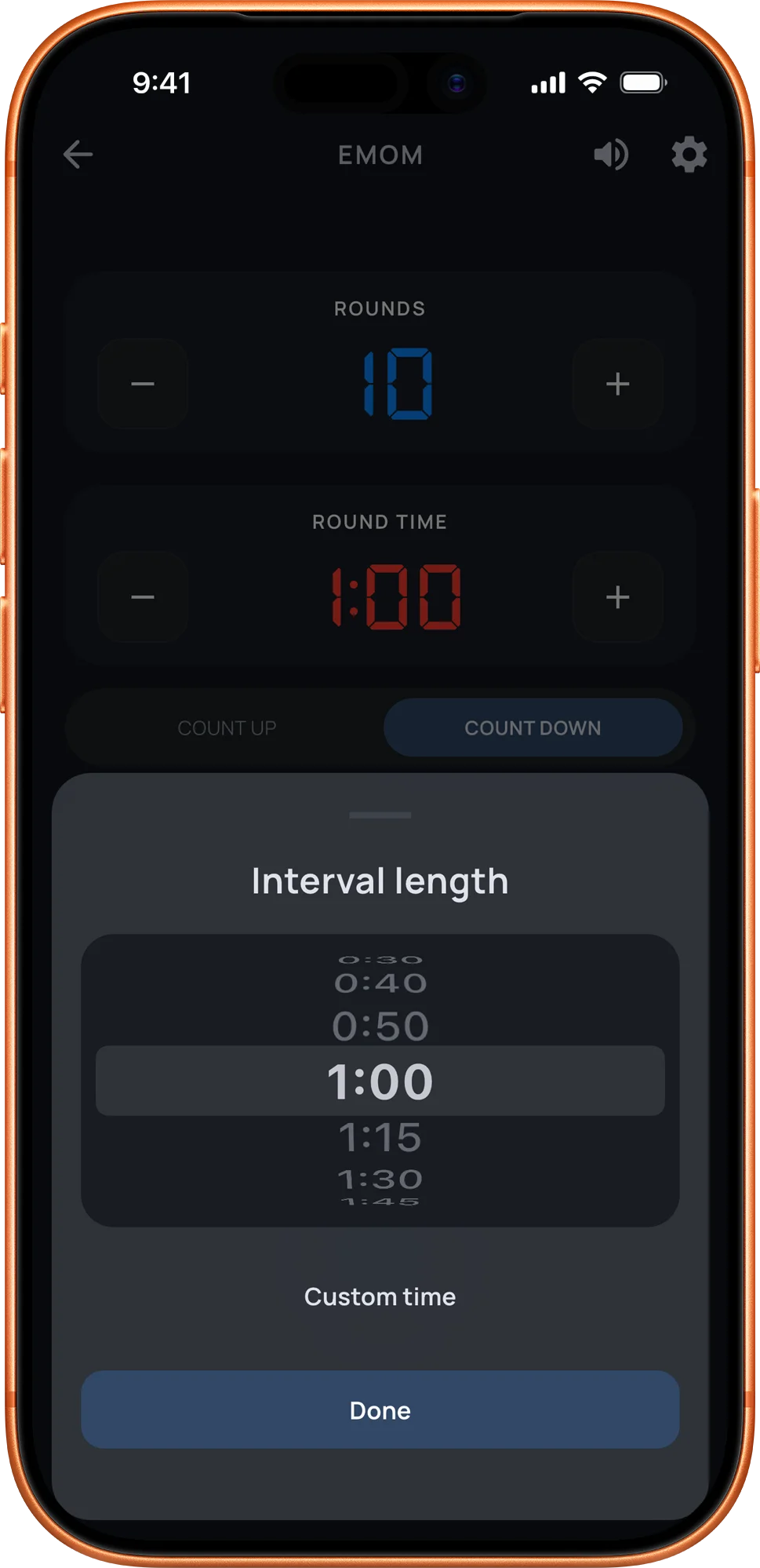
Set warmups, work periods, rests, rounds, and finishing details with controls that stay clear under pressure.
05 / 06
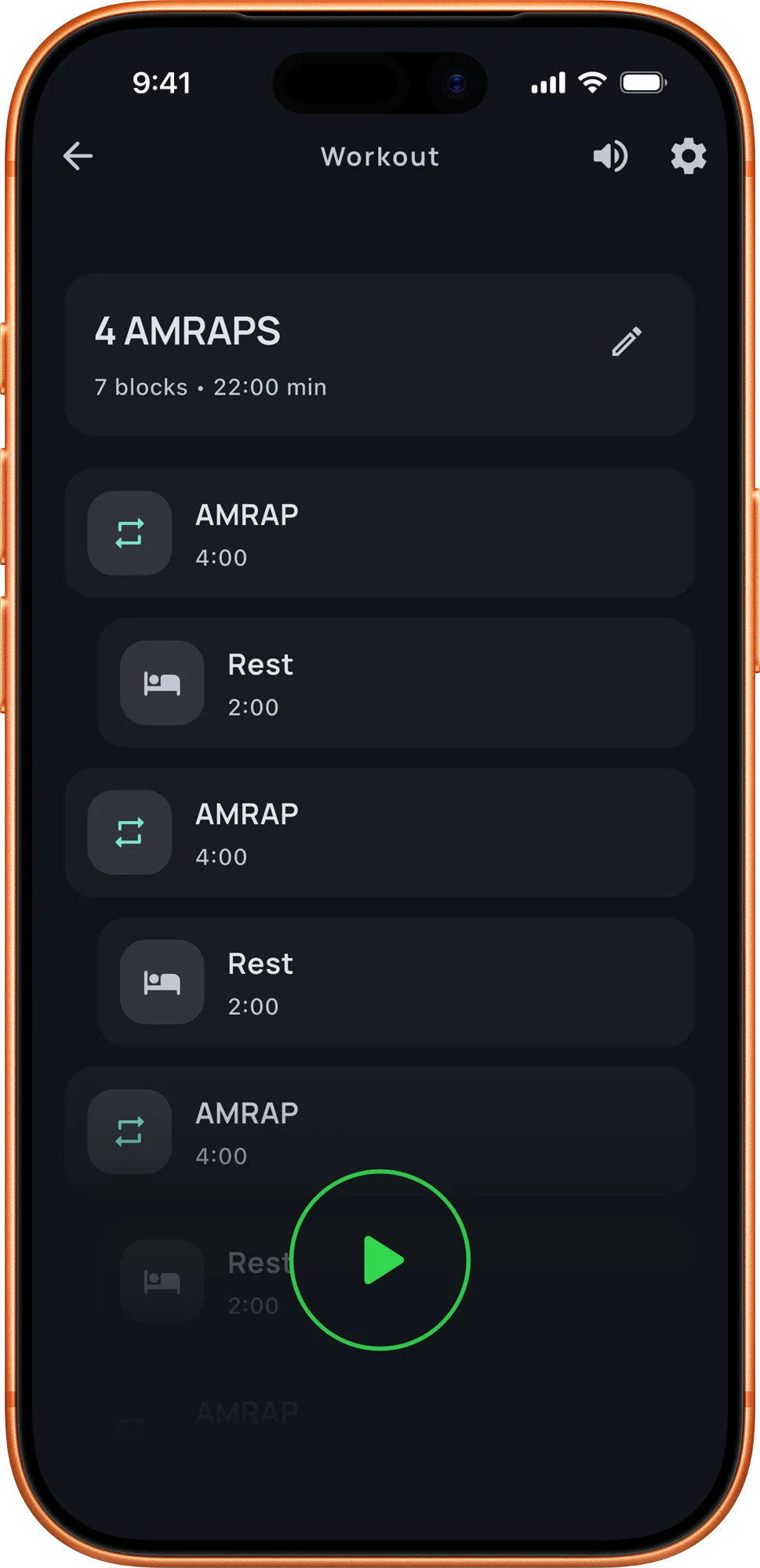
Combine multiple blocks into one flow for strength circuits, conditioning sets, skill work, and mixed training days.
06 / 06
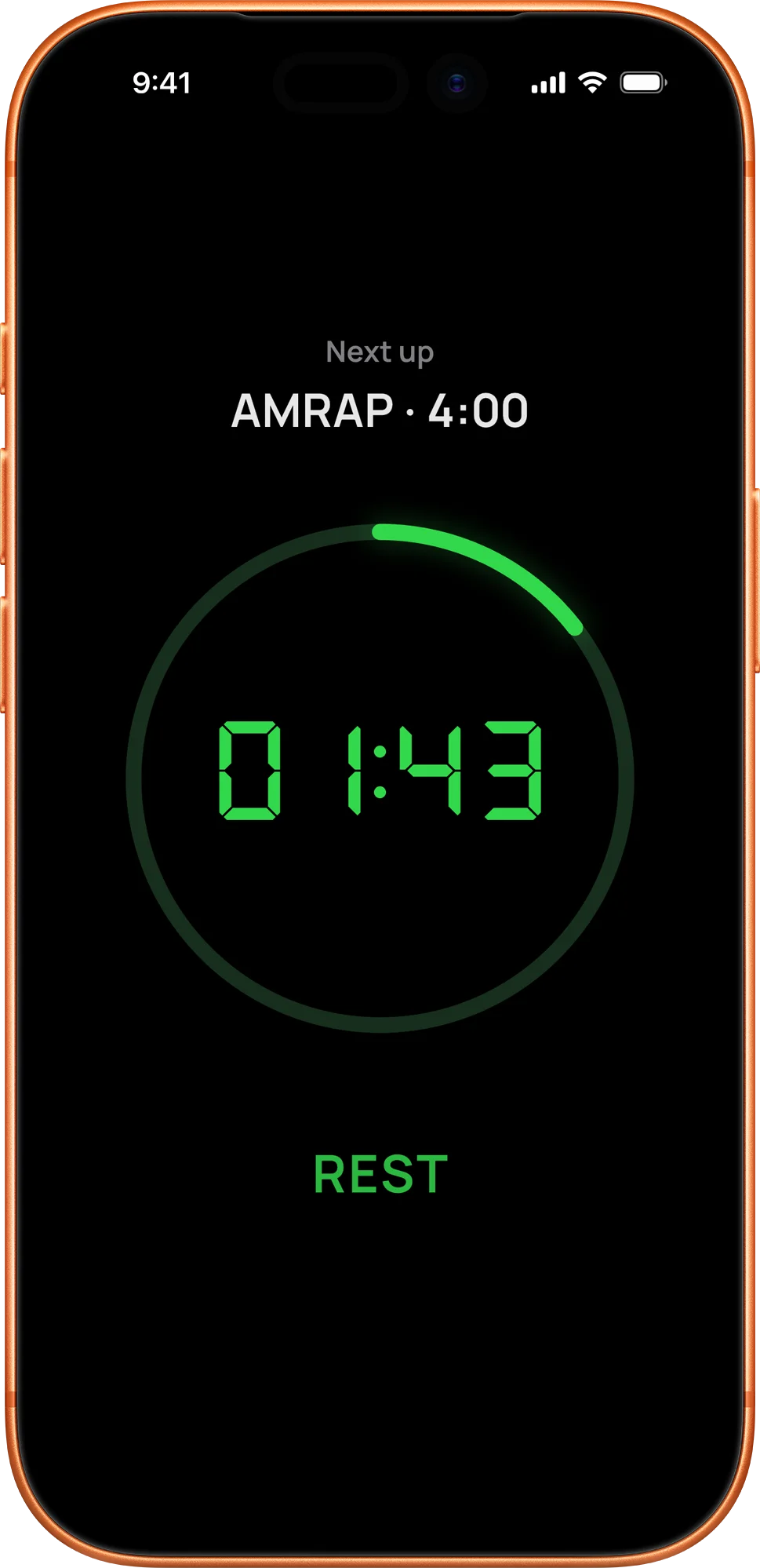
Rest screens and next-up cues make transitions easier, so you can follow the session without checking the plan between sets.
More control
Review completed sessions, notes, planned duration, actual duration, and the structure you used for replaying a workout later.
Save reliable presets and return to recently used workouts when you want the same session again with less setup.
Add preparation time before the first interval and a finishing rest when the workout needs a cleaner start or cooldown.
Adjust cues, precision, orientation, language, clock format, and display style to match how and where you train.
Use Aika for simple timed efforts as well as structured interval workouts, from quick holds to open-ended sessions.
High-contrast timer views, clear round information, and next-step cues keep the interface readable during hard work.
Workout guides
EMOM
Learn what EMOM means, how work and rest fit into each minute, and how to time four example EMOM workouts with Aika.
AMRAP
AMRAP means as many rounds or reps as possible. Learn both meanings, how to pace a workout, count your score, and set an AMRAP timer.
Compare
Compare EMOM and AMRAP timing, pacing, rest, and scoring. See the same exercises in both formats and choose the timer for your workout.